
Routt County VINELink Coverage
Routt County points victims, survivors, and concerned citizens to VINELink through its own VINE page. That link is the county's chosen route for custody information. Automated notices follow after a Routt booking. State program material describes VINE as pulling data around the clock. The data comes from participating county-jail booking systems. What the county does not publish is a facility identifier or an exact refresh interval. There is no separate SAVIN brand. There is no photo policy either. So treat any result as a snapshot, not the full picture.
The service tracks a custody event, not a whole case. A match can tell you where someone is held. It also shows whether a supported status changed. It will not show whether a hearing was continued or how the court ruled. Nor is there a public web roster in Routt County for an instant cross-check. When the answer matters right away, the Detention Center is the direct source.
Official Routt VINE Starting Point
The official Routt County VINE page links residents to the custody-notification service.
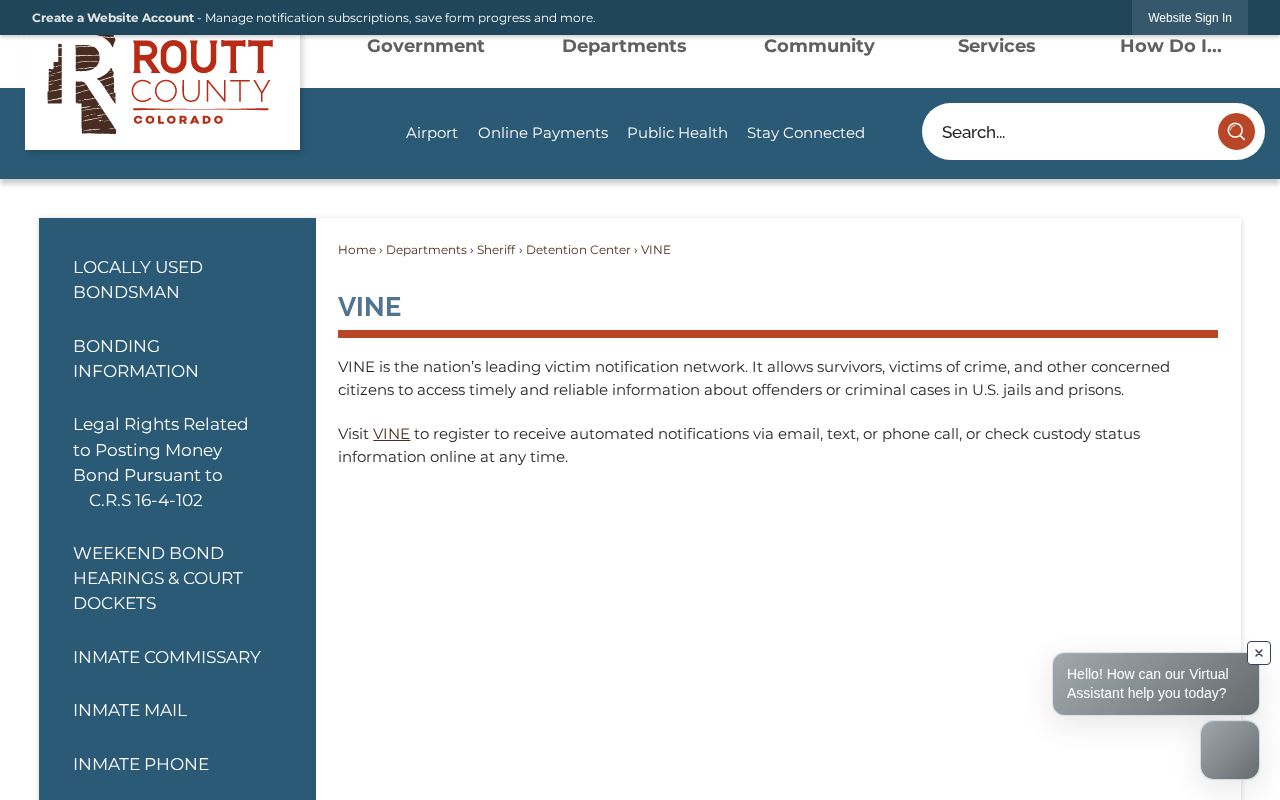
Start from the county's own page, not a search result. A search engine can hand you a stale link or an unrelated one. The county page leads straight to the custody service it uses. That matters before you enter personal alert details. Nothing about the route promises instant listings or a photo with every booking. General Routt emergency alerts and the RCC Reporting app cover roads, fire, mapping, and tips. They also handle emergency contacts. They cannot find inmates. They should never stand in for VINELink.
Check a Person on VINELink
Get the details right first. One letter off can hide a match. Common names can return several records, and the fields shown may vary, so trust the labels on the screen over any assumption about a Routt-specific option.
- Open VINELink from Routt County’s VINE page or go to the official VINELink service.
- Select Colorado, then choose adult-offender search and Routt County or the applicable facility if offered.
- Enter the person’s last name and first name or initial. Add an accepted ID or booking identifier when known.
- Review all matches. Compare names, identifiers, facility, and custody details without relying on a photo alone.
- Open the matching record and read the current status plus the event date shown.
- Call the Routt County Detention Center when the result is missing, ambiguous, or important to immediate safety.
The live app may reset after you move around. If a bookmarked screen clears, go back through Colorado and reselect the county or facility. Also beware of reading too much into a blank result. A person can still have been arrested. The data may lag, the spelling differs, or a release or transfer just happened. The custody may also sit in another system.
Colorado VINELink Search Screen
The Colorado VINELink interface provides the live state search controls.
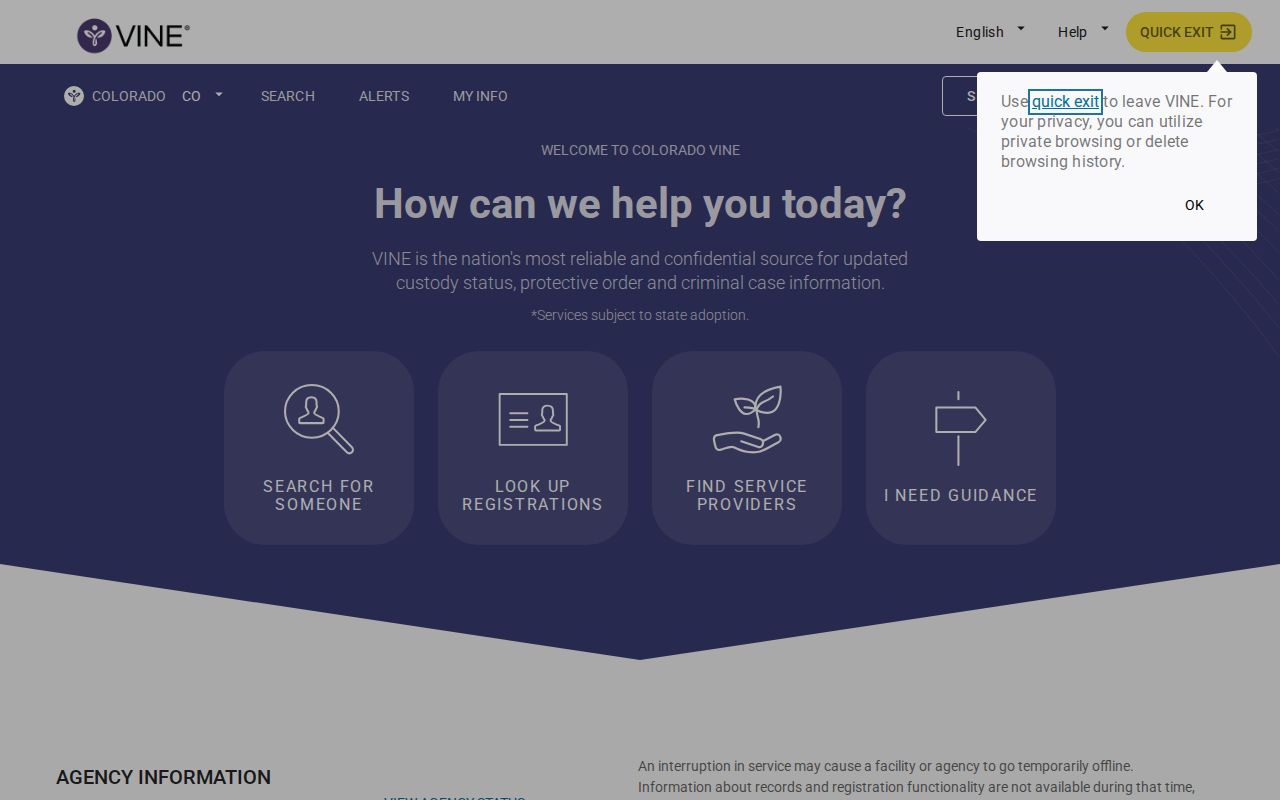
The Colorado search screen shows fields and filters, not a gallery of people. Those options can change, so follow the current labels. When several records look similar, resist the urge to guess. Compare the facility and identifier, then confirm with the jail. A photo may appear in some VINE results. But Routt County publishes no booking-photo policy or mugshot gallery. An image alone is a weak identifier.
What Routt VINELink May Show
Routt publishes no fixed result schema. The live system decides what you see. Read each item within that narrow purpose.
| Possible result element | How to interpret it |
|---|---|
| Name or person identifier | Helps distinguish matches; confirm similar names with another field. |
| Custody status | A status snapshot from the participating feed, not a court outcome. |
| Facility or agency | Shows the source associated with the current record or event. |
| Offender, booking, or record ID | A useful matching key when the live interface displays one. |
| Status or event date | May show when a supported change was recorded, not when the incident happened. |
| Release or transfer event | Signals a custody change; it does not mean charges were dismissed. |
| Notification choices | Shows available phone, email, text, or TTY registration methods. |
| Photo option | Possible interface behavior, not a guaranteed Routt booking photo. |
People leave jail through release, transfer, or movement to another custody system. The arrest or booking record can linger after the custody status changes. A result can also lag while booking is still underway. Note the time you checked. Then confirm material facts with the record source.
Register for Routt Custody Alerts
Registration starts once the correct record is chosen. Delivery methods vary in the live interface. Pick a channel you actually check, and keep any PIN private.
- Open the verified person record and select the registration or notification option.
- Choose a supported event, such as release, transfer, or custody-status change.
- Select telephone, email, text, or TTY when the interface offers it.
- Enter the destination number or address carefully and complete any confirmation step.
- Create the requested personal PIN for telephone access, then store it securely.
- Review the registration summary and confirm that the right person and contact channel are shown.
- Update or cancel the registration through VINELink when contact details change.
A telephone PIN lets a registrant reach or change the notification record. It is not a booking number. Sharing it invites trouble. Text or email enrollment may require a code, link, or other confirmation shown on screen. A registration only works if the number or address works. Test it when prompted.
VINELink Alert Options
The VINELink service provides the general custody-search and registration entry point.
The alert service handles one-person lookups and notifications, not a complete Routt County arrest list. Remember that alerts are planning tools. They are not emergency warnings. Keep a separate safety plan, and call 911 for immediate danger. VINE also cannot replace a court notice. The same goes for an attorney, probation instructions, or an agency records response. If an expected notice never arrives, check the live record. Call the facility. Do not assume nothing changed.
Fresh Routt Booking May Lag
Routt County does not publish a VINE refresh interval. Someone arrested in Routt County may spend hours in transport and medical clearance. Booking and classification also take time. The status shows up in a search only after that. So a blank result right after an arrest means little. The county also offers no public recent-bookings feed. For a time-sensitive answer, the jail phone is the fastest route.
Call the Routt County Detention Center at (970) 870-5509 to check current detention. Have the person's full name ready, plus details that prevent a mistaken match. For a newest-event workflow, turn to the Routt arrests last 24 hours page. It walks through the jail, VINE, and record-request chain. It also notes that no official same-day web list exists.
County Jail and Records Differences
A VINE status is not a booking record. Custody at the jail is one thing; the paper trail is another. The Detention Center holds people in custody, while RCSO Records answers requests for sheriff criminal-justice records and case-related digital media. Routt has no public roster fields or web photo policy. To seek a retained booking record or ask whether a booking photo exists, send a records request with the person's name, the incident date or range, agency, location, and case number if known.
Release from jail can end a custody status even while the arrest report and court case move forward. VINE does not carry the full police narrative. The Routt County recent arrests hub keeps these paths separate: current custody, records requests, booking photos, court dockets, and state or federal custody. For the legal outcome, use Routt Combined Court.
VINELink Custody Limits
Colorado VINE covers county jails, not every form of custody. State sentences belong to the Colorado Department of Corrections locator. Federal sentenced custody sits with the Bureau of Prisons. Federal pretrial custody can involve the U.S. Marshals Service and a holding facility. Immigration detention runs through the ICE Online Detainee Locator System. None of those is a Routt County booking feed.
A VINE no-result has many causes. The person may have been released, transferred, moved to state, federal, or immigration custody, entered under a different spelling, not yet reached the feed, or hold a restricted record. Silence is not an answer. Ask the office that owns the record instead. VINE also skips some court events, does not prove service of process, and never guarantees a booking photograph.
RCC Reporting and county emergency alerts have a separate scope. They handle safety notices, emergency contacts, roads, maps, and controlled burns. Neither works as an arrest notification tool. Use VINELink for supported custody notices and the county jail for direct confirmation.